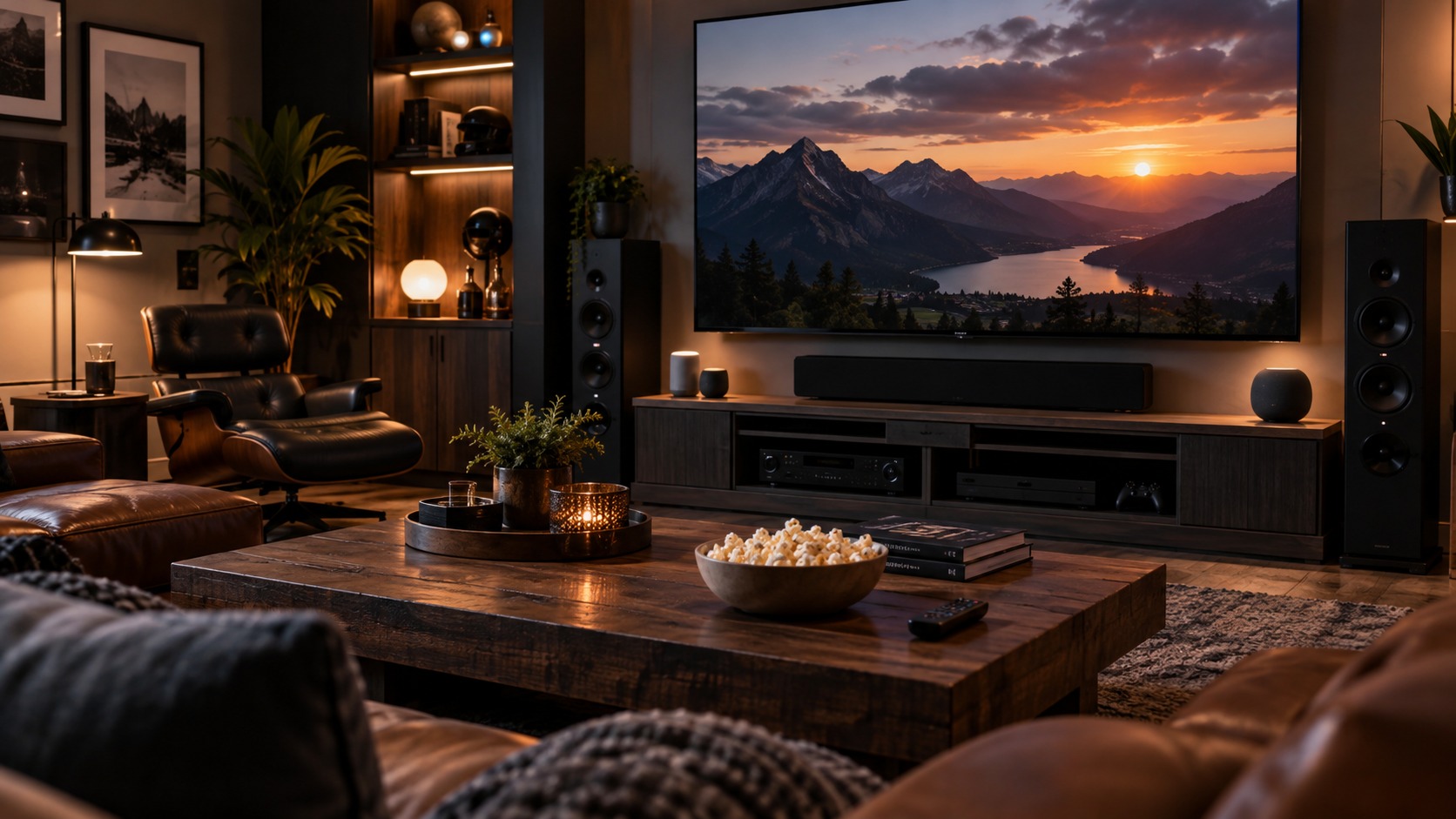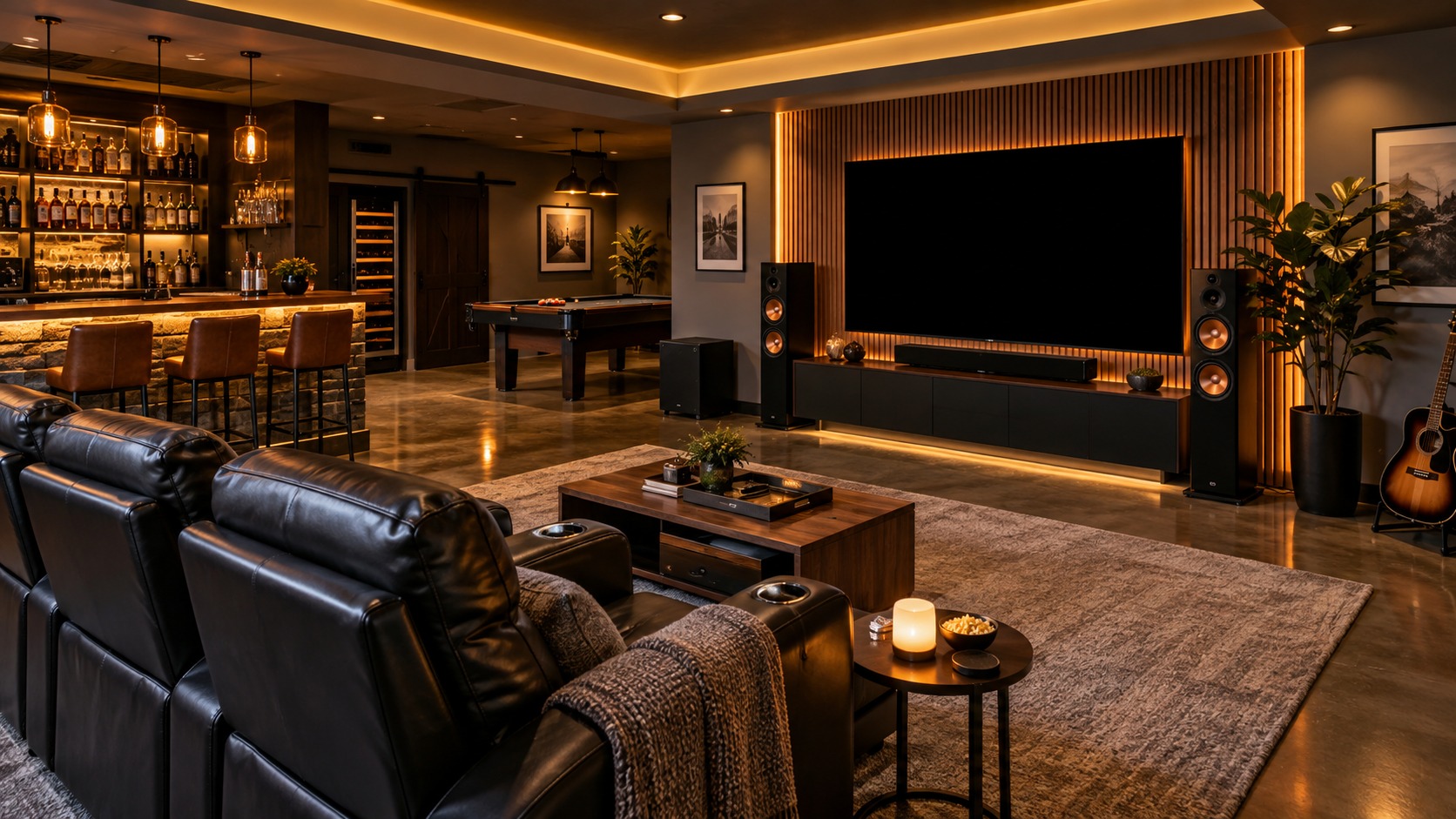
Mancave Voice Control Works Best When Commands Are Simple, Devices Are Named Clearly, and Manual Controls Still Exist
Voice control can make a mancave feel futuristic when it handles common routines without fuss. Lights, screens, audio, shades, climate, security, and scenes can all respond to a spoken command. The strongest setup keeps commands simple, names devices clearly, protects privacy, and keeps backup buttons or remotes available so the room stays usable when voice control is not convenient.
A: Start with the main use, then plan layout, seating, storage, lighting, and power around that purpose.
A: Use closed storage, edit displays, hide cables, and leave open surfaces for drinks, remotes, and daily use.
A: Comfort comes first. A strong theme helps the room feel personal, but seating, lighting, temperature, and layout decide whether people stay.
A: Use layers: general light for setup, task light for work or games, accent light for displays, and low light for watching or relaxing.
A: No. A bar works when hosting and drinks are central; otherwise storage, seating, media, or hobby space may matter more.
A: Use frames, cases, shelves, UV awareness, dust control, and secure mounting for anything valuable or fragile.
A: Buying oversized furniture before measuring sightlines, door swing, walkways, recliner clearance, and table reach.
A: Yes. A small room can work well with one clear purpose, compact seating, wall storage, and careful lighting.
A: Keep wiring accessible, leave some storage capacity, use modular furniture, and avoid filling every wall permanently.
A: A finished room has comfortable seating, controlled clutter, useful lighting, personal display, and a clear way to reset after use.
Choose Useful Voice Routines
Voice control works best for repeated actions: movie night, game day, music mode, cleaning lights, bar lights, volume changes, or shutting the room down.
The room does not need a voice command for every possible setting. A few useful routines are easier to remember and more likely to be used.
For mancave voice control, the choose useful voice routines decision works best when it connects design ambition to actual use. A room can look impressive in a photo and still fail if seating, storage, lighting, power, sound, or walking paths make daily use awkward.
This early planning step keeps the build from becoming a pile of upgrades. The room feels larger, cleaner, and more expensive when each feature earns its place.
Name Devices Clearly
Confusing device names create frustrating commands. Lights, speakers, screens, plugs, and scenes should have names people can say naturally.
Names like bar lights, screen lights, shelf lights, and main speakers are usually better than brand names or vague labels.
The name devices clearly choice also affects maintenance. A mancave that looks good on day one needs surfaces, wiring, furniture, and storage that still make sense after months of snacks, guests, dust, hobbies, and entertainment gear.
That practical filter is useful because style alone cannot carry a space. The best rooms stay easy to reset after a long night or a busy weekend.
Group Devices by Zone
Zones make commands easier. Seating, bar, screen, display, game table, and workbench groups can be controlled without naming every fixture.
Good grouping also helps guests and family members use the room. They can ask for a zone instead of learning the whole system.
Good group devices by zone planning also protects future upgrades. A room may start with a simple screen, small bar, or single display wall, then grow into better audio, brighter showcases, or more specialized gear.
Leaving room for that growth prevents expensive rework. Flexible choices usually beat choices that only work for the first version of the room.
Keep Manual Controls Ready
Voice control should not be the only way to use the room. Wall switches, remotes, keypads, and app controls still matter.
Manual controls protect the room when microphones mishear, the network drops, guests feel awkward speaking commands, or someone wants quiet.
The keep manual controls ready layer is where budget and taste meet. Spending more only helps when the decision improves comfort, durability, usability, or the story of the space.
That is why the best mancaves feel edited. They do not need every possible feature; they need the right features in the right places.
Consider Privacy and Security
Voice assistants use microphones, accounts, cloud services, and connected devices. Privacy settings, account permissions, and careful placement matter.
A mancave may include cameras, locks, purchases, or private conversations. Voice control should be convenient without feeling careless.
Thinking through consider privacy and security also helps the room serve more than one mood. A mancave may need to handle a quiet evening, a game-day crowd, a project session, or a late movie without feeling rearranged every time.
The more naturally the space shifts between those uses, the more often it will actually be used.
Test Commands During Real Use
A command that works in a quiet room may fail during a loud game, movie, or party. Testing with normal noise levels reveals weak spots.
The best voice setup feels natural during real use. If commands need to be repeated constantly, the system needs simplification.
The final test for test commands during real use is simple: can someone enter the room and immediately understand where to sit, what to use, what to notice, and how to relax?
When the answer is yes, the design feels intentional rather than improvised.
How to Make Mancave Voice Control Work in Real Life
The practical test for mancave voice control is whether the space works after the first week of real use. A mancave has to handle people, cords, snacks, remotes, dust, noise, heat, storage, and changing plans. The design is stronger when those ordinary details are planned instead of hidden behind a finished photo.
Start by walking through a normal night in the room. Notice where someone enters, where they put a drink, how they reach a charger, whether the screen has glare, whether the chair blocks a cabinet, and whether the room can be cleaned without moving half the furniture.
Comfort also matters over time. Seat height, arm support, table reach, speaker volume, screen distance, air movement, and floor surface all affect whether people want to stay in the room. A dramatic feature loses value if the room becomes tiring after twenty minutes.
Storage is another real-life test. Collections, gaming gear, tools, bottles, blankets, cables, and cleaning supplies need places that make sense. Closed storage keeps visual clutter down, while open display works best for objects that deserve attention.
A good mancave also leaves room for change. New hobbies, new screens, new collectibles, and new guests can alter what the room needs. Flexible furniture, accessible wiring, and modular storage make future upgrades easier.
The best version of mancave voice control feels personal without becoming crowded. It gives the owner a place to relax, watch, work, play, display, or host while still feeling organized enough to use often.
Planning Checklist for Mancave Voice Control
Measure the room before buying major pieces. Wall length, ceiling height, outlet placement, window location, door swing, HVAC vents, and walkway width all affect what will actually fit. A tape measure can prevent the most expensive design mistakes.
Map power and signal needs early. Screens, consoles, receivers, mini fridges, lighting, chargers, computers, routers, fans, and tools can overload a casual plan. It is easier to add outlets, conduits, surge protection, or network lines before the room is packed with furniture.
Think about sound from two directions. The room needs to sound good inside, but it may also need to keep noise away from bedrooms, neighbors, or shared living areas. Rugs, curtains, upholstered seating, panels, seals, and layout can all help when used for the right purpose.
Plan sightlines from every main seat. A room can have a large screen, great displays, and expensive lighting but still feel wrong if someone is always looking around a column, glare spot, doorway, or tall chair back.
Choose materials for use, not only appearance. Floors need to handle foot traffic, rolling chairs, spills, dropped remotes, tools, or gym equipment depending on the room. Wall finishes need to survive cleaning, mounting, and future changes.
Build display areas with restraint. Memorabilia, signs, helmets, bottles, guitars, models, jerseys, or collectibles look better when grouped with breathing room. Too many small items spread across every surface can make even valuable collections feel messy.
Keep maintenance visible in the plan. Filters, vents, cable connections, batteries, remotes, cleaning supplies, and access panels need to remain reachable. A beautiful room becomes annoying if normal upkeep requires dismantling the setup.
Finally, treat mancave voice control as a living space rather than a single project reveal. The best mancaves improve as the owner learns which seat gets used, which shelf stays empty, which light is always on, and which feature guests talk about after they leave.
Common Mistakes With Mancave Voice Control
One common mistake is designing around a single photo instead of a real routine. Inspiration images are useful, but they rarely show cable access, awkward corners, trash storage, vent noise, weak Wi-Fi, or the way people actually move through the room.
Another mistake is buying statement pieces before the layout is settled. A large bar, oversized sofa, huge arcade cabinet, or wall-sized display can dominate the room before seating distance, traffic flow, and storage needs are understood.
Lighting is often treated as decoration when it is really infrastructure. If the room cannot shift between bright cleaning light, focused task light, relaxed hangout light, and screen-friendly low light, the space will feel less flexible than it could.
Many mancaves also underestimate heat. Electronics, people, refrigerators, gaming PCs, projectors, and poor ventilation can make a room uncomfortable quickly. Cooling, airflow, and equipment spacing belong in the plan from the beginning.
Theme overload is another risk. A sports room, garage lounge, theater room, or luxury retreat needs personality, but too many signs, colors, logos, or props can flatten the design. A few strong pieces usually work better than covering every inch.
The safest way to avoid those mistakes is to judge mancave voice control by use. If the room is comfortable, organized, easy to maintain, and personal enough to feel worth returning to, the design is doing its job.
Final Fit Test for Mancave Voice Control
Before calling the room finished, test it the way it will actually be used. Sit in every main seat, turn on the screen or music, open storage, dim the lights, plug in devices, and move through the room with a drink or plate in hand.
Invite one or two people into the space before the design is locked. Guests often reveal issues the owner stopped noticing, such as a blocked walkway, awkward table height, glare on the screen, or nowhere obvious to set something down.
Take a photo of the room after a normal night of use, not only after cleaning. That picture reveals whether storage, surfaces, trash, cords, and accessories have enough structure to return the room to order quickly.
It also helps to check the room at different times of day. Natural light, outside noise, evening temperature, and household traffic can all change how the space feels once the room moves from plan to habit.
If the space has more than one regular use, test each one separately. A room that works for solo gaming may need different lighting for cards, different seating for sports, and different storage for tools or collectibles.
The best final adjustments are often small: moving a side table, lowering a shelf, adding a dimmer, labeling a cable, shifting a chair, or creating one more closed storage spot.
Do the same test after adding decor. Signs, framed pieces, neon, shelves, trophies, and equipment can change sightlines and make the room busier than expected, so the final layer deserves the same practical review as the furniture.
A maintenance pass is useful too. Check whether floors can be cleaned, shelves can be dusted, electronics can breathe, and filters or vents can be reached without moving heavy pieces.
Finally, listen to the room while it is in use. Buzzing lights, rattling shelves, fan noise, echo, refrigerator hum, or sound leaking through a door can make a finished space feel less polished than it looks.
If mancave voice control still feels comfortable, personal, and easy to reset after those tests, the design is ready for real life rather than only a reveal photo. That is the standard that matters most because a mancave earns its value through repeated use, not through a single finished picture.
Bottom Line on Mancave Voice Control
Voice control is most useful when it simplifies common routines instead of trying to run every detail of the room.
Clear names, useful zones, backup controls, and privacy awareness make the system feel polished rather than gimmicky.